
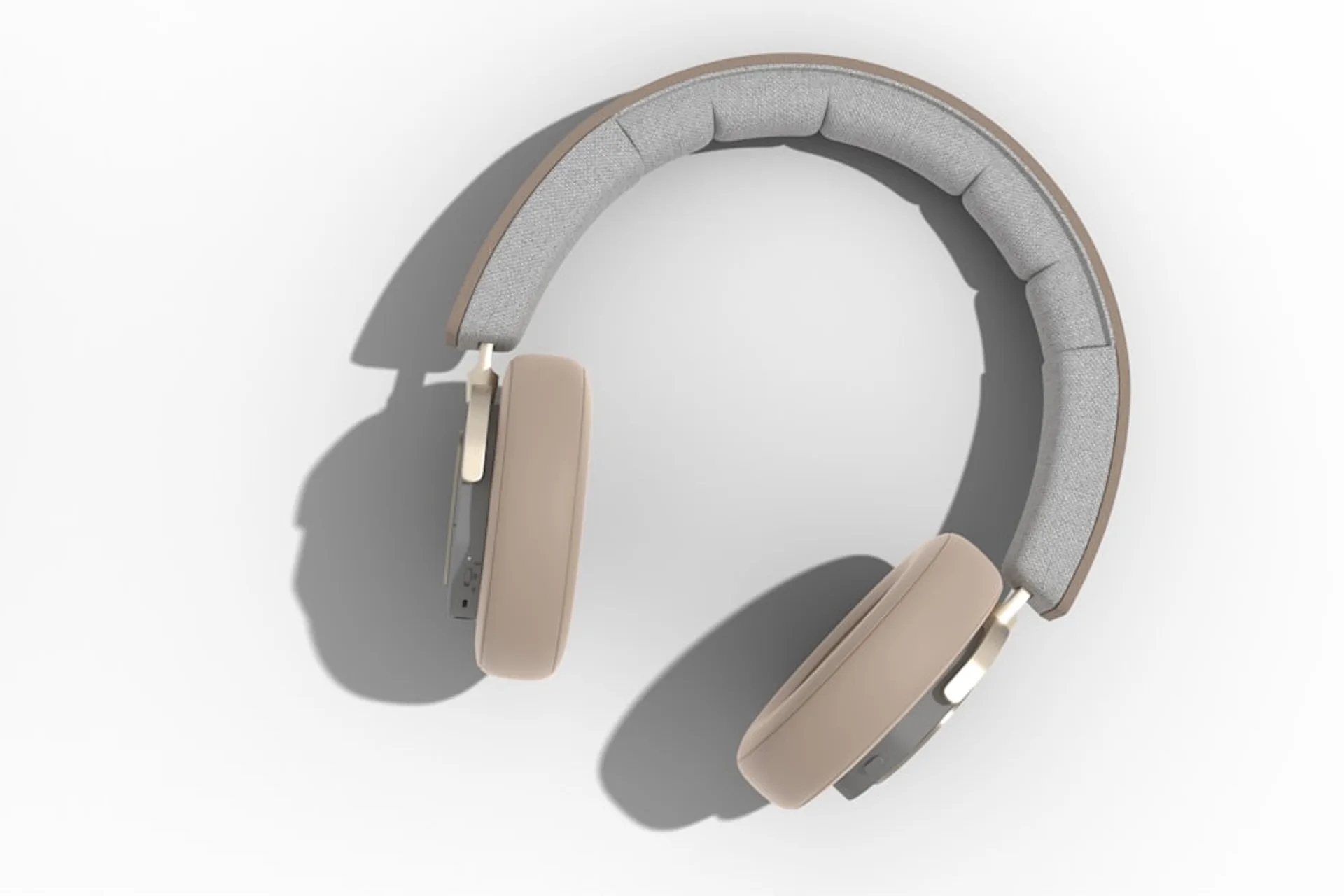
A sleep sound machine is a bedside device or phone app that plays continuous ambient audio to help you fall asleep and stay asleep. The category includes dedicated noise machines with built-in speakers, smart speakers running sleep loops, and iPhone apps that stream similar sounds through a Bluetooth speaker or headphones.
This sleep sound machine guide covers the device itself: how masking works, hardware versus phone setups, safe volume, and how to pick a unit for your room. For sound-type basics (white, pink, brown), see sleep sounds basics. For decibel calibration, read sound volume and sleep quality.
Key takeaways
- A sleep sound machine masks sudden bedroom noise by raising the background sound floor; it does not block noise entirely.
- Hardware units offer simple nightly controls; phone apps win on portability, variety, and travel.
- Keep volume near 40 to 50 dB at the pillow and avoid volume creep over time.
- Match the device to your routine: permanent bedside setup, shared bedroom, or frequent travel.
- Give any new setup seven nights at a fixed level before judging results.
What counts as a sleep sound machine?
People use the term for three common setups:
- Dedicated hardware: A plug-in or battery unit on the nightstand with preset loops, a volume dial, and often a sleep timer.
- Phone or tablet app: Software that generates or streams masking audio through the device speaker or external speaker.
- Smart speaker: A voice-controlled speaker playing ambient loops from a built-in engine or streaming service.
Most units play steady signals (white, pink, or brown noise) or nature layers such as rain and ocean. The goal is a non-changing background your brain can treat as safe rather than something to follow. A noise machine for sleep works the same way; the labels overlap in product listings and app stores.
How sound machines mask bedroom noise
Masking works on a simple acoustic idea. In a quiet room, a slamming door or passing car creates a sharp level change. Your sleeping brain flags that spike as a potential threat and may pull you toward wakefulness. A continuous baseline raises the floor so the spike feels smaller.
Some studies suggest steady background noise can shorten sleep onset in noisy environments, especially if you react to unpredictable sounds. Results vary by person and room. You are not hypnotizing yourself: a fan, rain loop, or broadband tone fills the gap between ambient quiet (around 30 dB) and a sudden disturbance (70 dB or more).
Light sleepers and shift workers often notice the difference first. If daytime street noise or a partner's movements wake you, masking can reduce how often those events cross your perceptual threshold. It will not fix untreated sleep apnea, chronic insomnia, or a room that is too hot; audio supports routine, not diagnosis.
Bedside hardware vs iPhone app
Both paths deliver similar audio. They differ in cost, convenience, and how much control you want at 11 p.m.
| Feature | Hardware sound machine | iPhone app |
|---|---|---|
| Initial cost | About $30 to $80 for most units | Free tier or low subscription |
| Sound library | Often 6 to 20 fixed loops | Hundreds of mixes, regular updates |
| Nightly friction | One dial, no unlock screen | Screen, battery, notification risk |
| Portability | One room, bulkier | Pocket-sized, works in hotels |
| Timers and fades | Basic or none | Exact timers, alarms, slow fade |
A dedicated unit is often easier for non-technical users or shared bedrooms where phones stay out of reach. An app shines when you want layered sounds, offline travel presets, or the same library for daytime focus. For a feature comparison of iPhone options, see best white noise apps for iPhone compared.
If you already own a white noise machine and only need different timbres, you may not need new hardware. If you travel weekly, a phone app plus a small Bluetooth speaker often replaces a second appliance. The white noise machine guide at white noise machine guide goes deeper on fan versus hardware trade-offs for that narrower product type.
Setting the right volume for sleep
Volume is the most overlooked safety point. Louder masking is not better masking. Most sleep specialists suggest 40 to 50 dB at the pillow: audible enough to cover hallway clicks, quiet enough that you do not feel ear pressure.
Measure once with a decibel meter app. Lie where your head rests, play your sound, and read the steady level after 10 to 15 seconds. If you must raise your voice to talk over the machine, it is probably too loud for all-night use. Long exposure above roughly 60 dB can strain hearing over months.
Placement changes the number. Doubling distance from the speaker drops level by about 6 dB, so a moderate setting across the room often beats a loud dial under the pillow. If you share a bed, pick a level both people tolerate or use a machine with a headphone jack for one partner.
Choosing the best sleep sound machine for your needs
Start with your noise profile, not a product chart. A quiet suburb may need only light pink noise. A street-facing apartment may need deeper brown or green noise to cover low rumbles. For how sound colors differ, read how sound colors shape sleep quality rather than repeating the full primer here.
Next, match control style to behavior. Prefer zero screens? A hardware dial is calm. Need schedules that shift with shift work? An app with saved presets is more flexible. Renters and dorm residents often skip extra appliances and run a phone app through a speaker they already own.
Budget spans roughly $30 for basic plug-in units to $150 or more for premium models with displays, larger libraries, and child-lock controls. If you are unsure whether masking helps you, test with a phone app for one week before buying hardware.
Setting up with DRMN on iPhone
DRMN works as a portable sleep sound machine when you do not want a separate bedside box. Pick one sleep preset, set volume while lying in your normal position, and enable fade-in so the track does not startle you at lights-out. Use Do Not Disturb and keep the phone charging if you play all night.
Download or favor offline loops before travel so hotel HVAC does not push you back to guessing each night. The same preset can double for focus blocks the next day if you need consistent masking outside the bedroom.
Common mistakes and how to avoid them
- Volume creep: Raising the dial night after night until morning ear fatigue appears. Reset weekly to your measured baseline.
- Harsh single tones: Pure white noise feels sharp to some ears. Try pink noise or rain before abandoning masking.
- Poor placement: A unit under pillows muffles output and forces higher volume. Place it on a stable surface two to three feet from your head.
- Alerting content: Podcasts, lyrics, or loops with obvious repeats keep working memory online at bedtime.
- Dirty grilles: Dust on the speaker changes tone and may push you to raise volume. Wipe hardware monthly.
Medical disclaimer: Sleep and focus audio supports healthy habits; it is not a substitute for clinical care. If you regularly need hours to fall asleep, snore loudly, gasp during sleep, or feel exhausted despite long time in bed, talk to a healthcare provider.
Simple nightly routine
- Place the speaker two to three feet from the bed at ear height.
- Pick a base sound that feels smooth, not sharp.
- Start near 45 dB and adjust down if the tone feels present at bedtime.
- Use a timer or slow fade if you only need masking at sleep onset.
- Leave the phone screen down or enable Do Not Disturb on app setups.
Pick a box on the nightstand or an app on your phone. Either way, you want a calm sound floor that gives your brain fewer reasons to startle awake. Hold one setup for a full week before you swap devices or sounds.